
A new feature has landed on Digitevent.
Have you heard of iframes?
In this article, we explain what it is and how to integrate them into your Digitevent event website.
What is an iFrame?
The term iFrame stands for "inline Frame." It could be translated as "online frame or program."
It's a web page embedded within another web page.
While browsing a web page, a user may see an element from another site displayed, but embedded within the page they're on.
One of the big advantages of an iFrame is being able to embed content or a service from another site into a page.
How to integrate an iFrame into Digitevent
You can now integrate external service modules as an iFrame into your event website.
To do this, simply add a prebuilt "iframe" block from the Digitevent site editor (in your back office).
2 examples of use
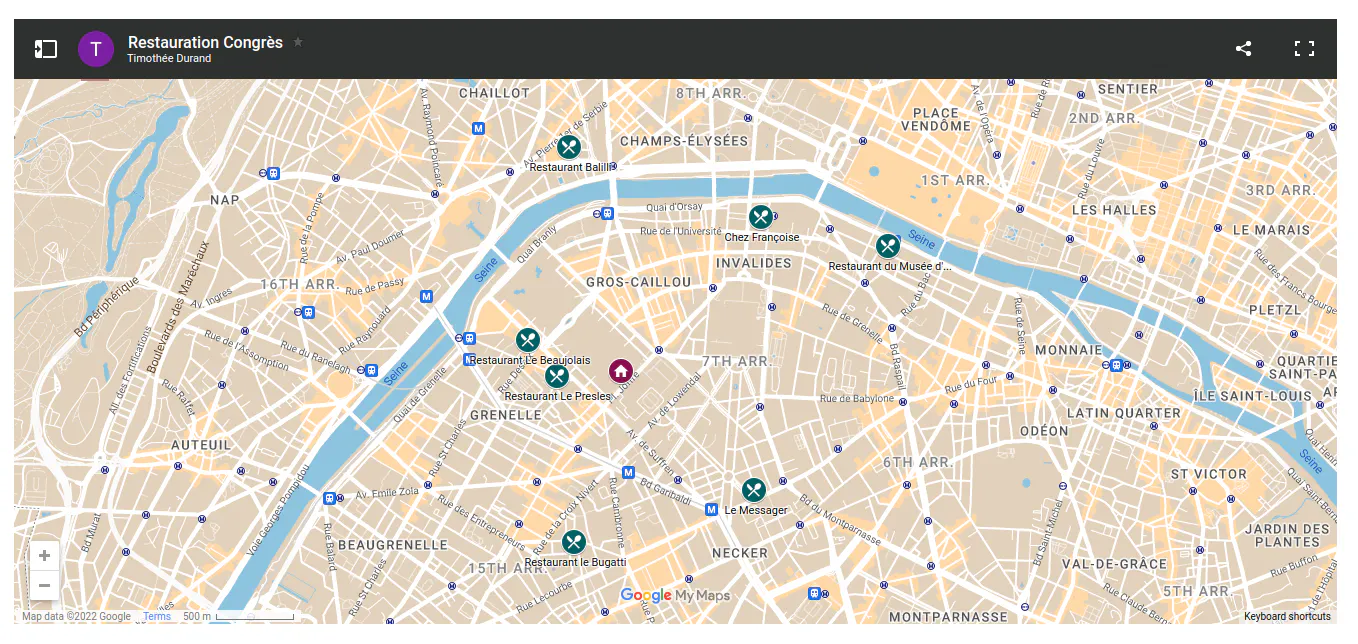
Example 1: Integrating a custom Google My Maps map
Using Google's My Maps service, you can add a custom map with points of interest around your event.
This map can, for example, show recommended restaurants around your event or accommodation options.
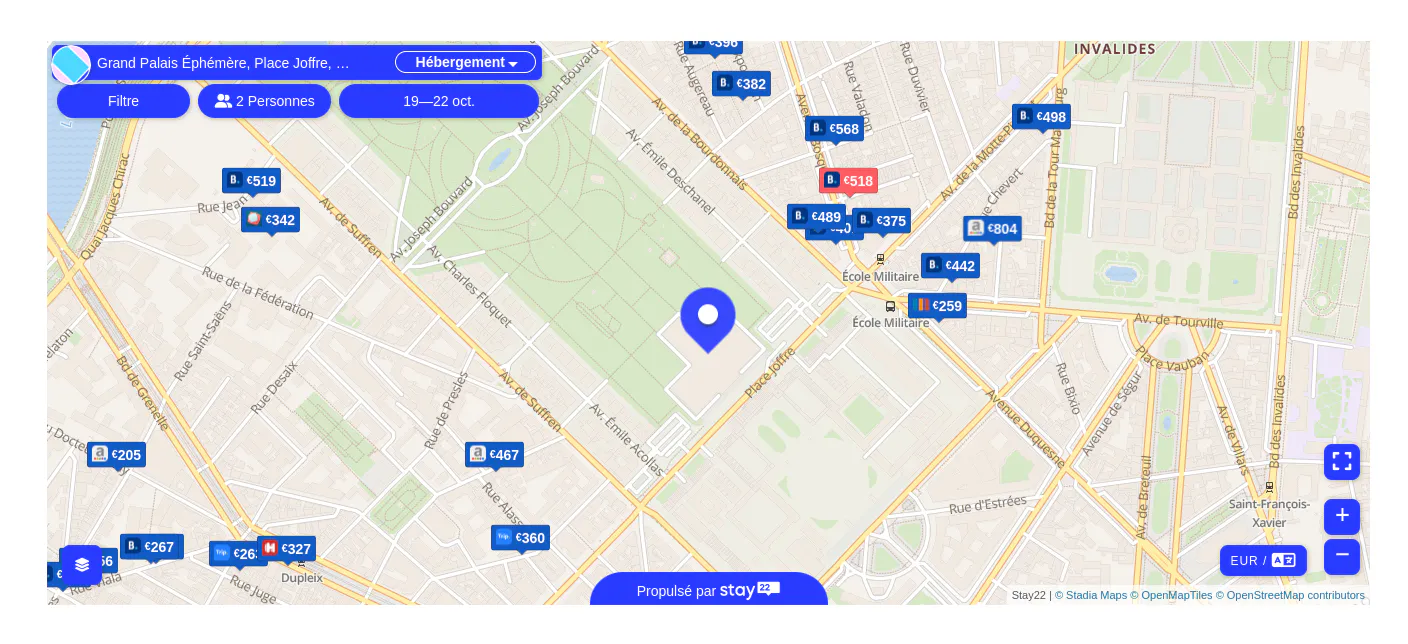
Example 2: Integrating a map of Airbnb prices near the event
Using a service like Stay22, you can set up, in just a few clicks, a search engine showing apartments and hotels available near the event.
We hope you'll like this new feature.
Feel free to share your use cases with us, we'll be happy to feature them to complete this article :)
Have a great day,
The Digiteam